

Copy your team’s two addresses
Select Add a meeting in the sidebar, on Home, or on your team’s page. If you can add meetings to more than one team, choose the team first. Under From your calendar, select Copy both, or select Copy beside one address.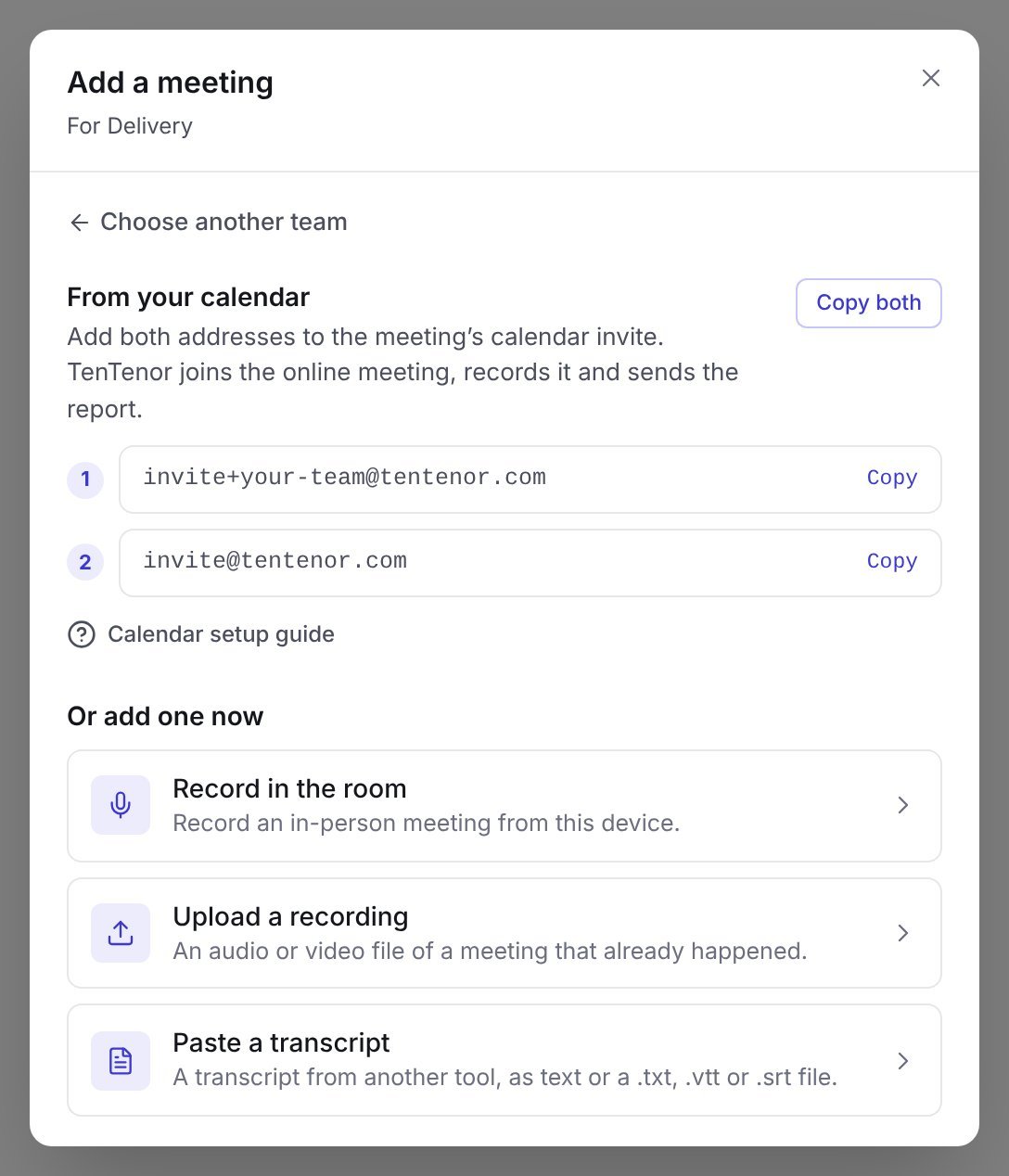
Example Add a meeting dialog for an illustrative Delivery team. Copy your own team's addresses from TenTenor; the first address shown here is a placeholder.
Everyone on the team, and organization owners and administrators, can see the team’s addresses.
Update the event
1
Check the meeting link
Include the video meeting link in the calendar event. An event with only a physical location does not give TenTenor a meeting to join.
2
Add the guests
Paste both invitation addresses into the event’s guest list. Putting them in the description does not invite them.
3
Save and send
Send the invitation before the meeting begins. For a recurring event, choose whether the change applies to this occurrence or the series.
4
Check the upcoming meeting
Allow time for calendar synchronization. Then open Meetings and look under Coming up. The meeting shows its time, the format it will be analyzed with, and Bot will join when TenTenor can join it.If it shows No meeting link, the calendar invite has no supported video meeting link. A red dot beside the team in the sidebar gives the same warning for the team’s next meeting.
At the start of the meeting
Admit TenTenor Coach from the lobby and allow recording if prompted. Keep it in the meeting for the conversation you want analyzed. Tell participants about recording and follow your organization’s consent process. Privacy and access explains where to find the applicable policies.People sharing a room
A calendar meeting can include people in a room, but TenTenor needs to hear their audio through the meeting platform. Check the room microphone and avoid multiple devices playing the same audio. Leave One speaker per device off when multiple people share a microphone. That setting assumes each device’s audio belongs to one participant. For a meeting without a video call, use Record in the room. See record, upload, or import.Choose the analysis type
Your team’s default analysis type comes from its coaching settings. When one scheduled meeting needs a different meeting format, a facilitator or administrator can change it before the meeting starts:- In Meetings, select Change beside the meeting’s format under Coming up.
- Or open the team’s settings and choose the format on the Upcoming meetings tab.